Automatically Withdraw Invites
Last updated: August 14, 2025
LinkedIn limits the number of pending sent connection requests to 500. Once you reach this limit, you won’t be able to send new requests until you withdraw some of your pending invitations.
Pipeline’s Automatic Withdraw feature helps you stay within safe limits by automatically withdrawing old, unanswered invites — keeping your account healthy and your campaigns moving.
How It Works
When enabled, Pipeline will:
Automatically remove any connection requests that have been pending for longer than your selected time frame.
Pipeline runs this check daily in the background.
Free up space for new invites in your campaigns without manual work.
How to Turn On Automatic Withdraw
Go to your
Connections Tabin Pipeline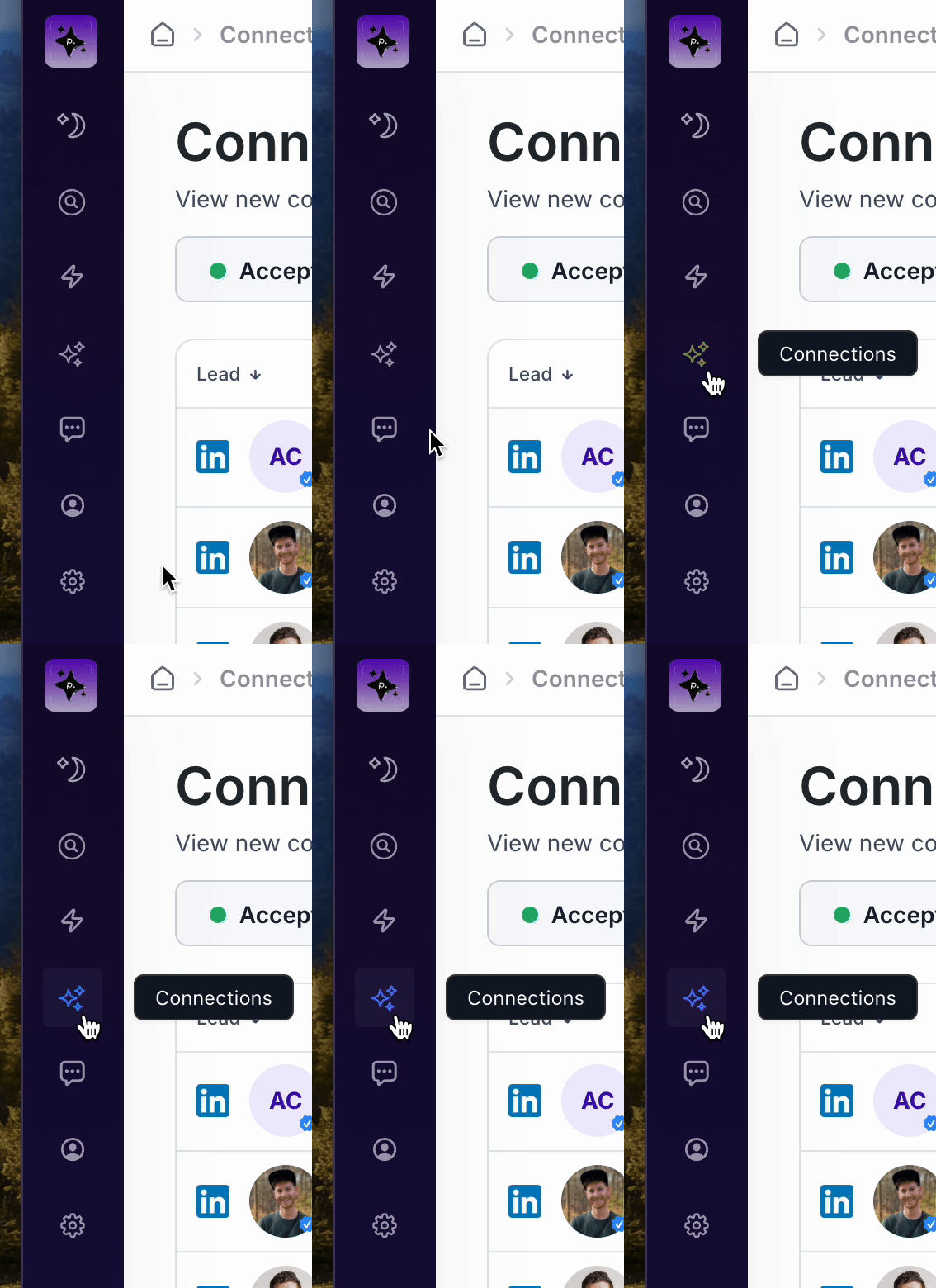
Click the
Withdrawbutton in the top right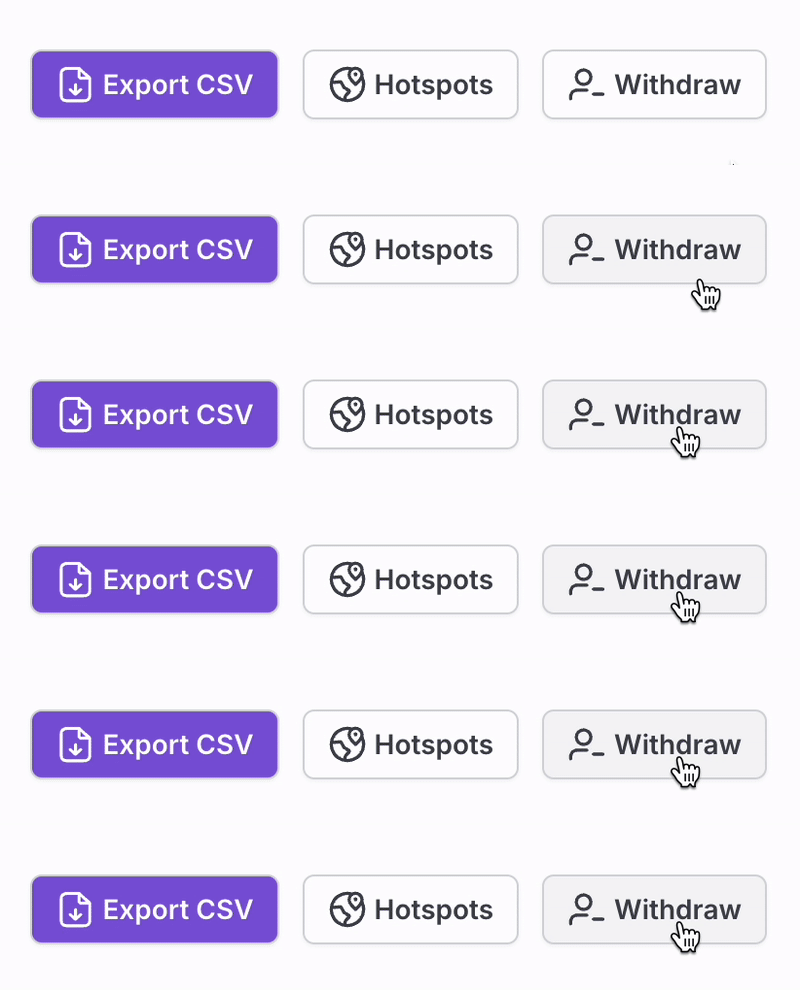
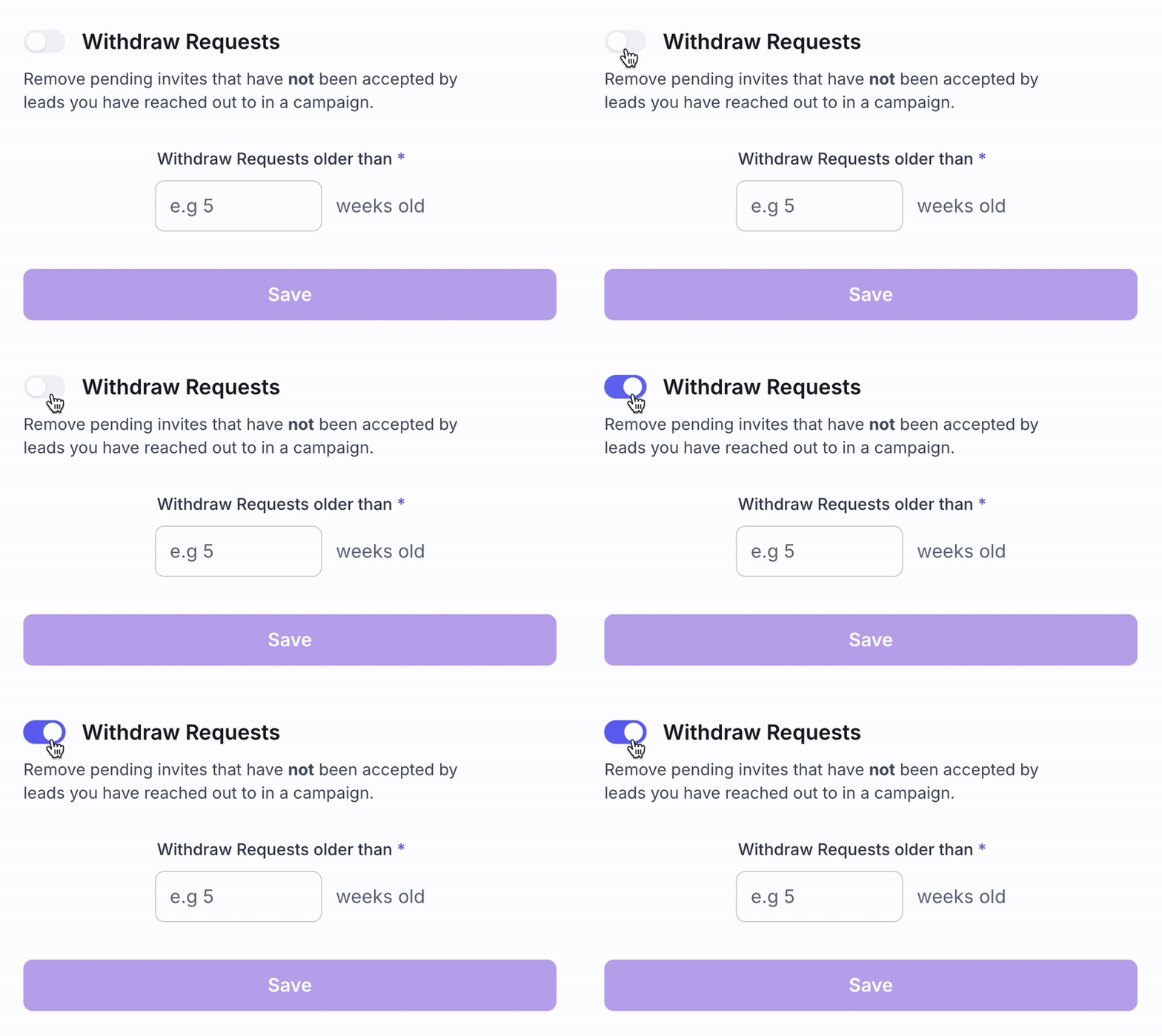
Toggle withdraw requests ON.
Choose how many weeks old a request should be before it’s withdrawn.
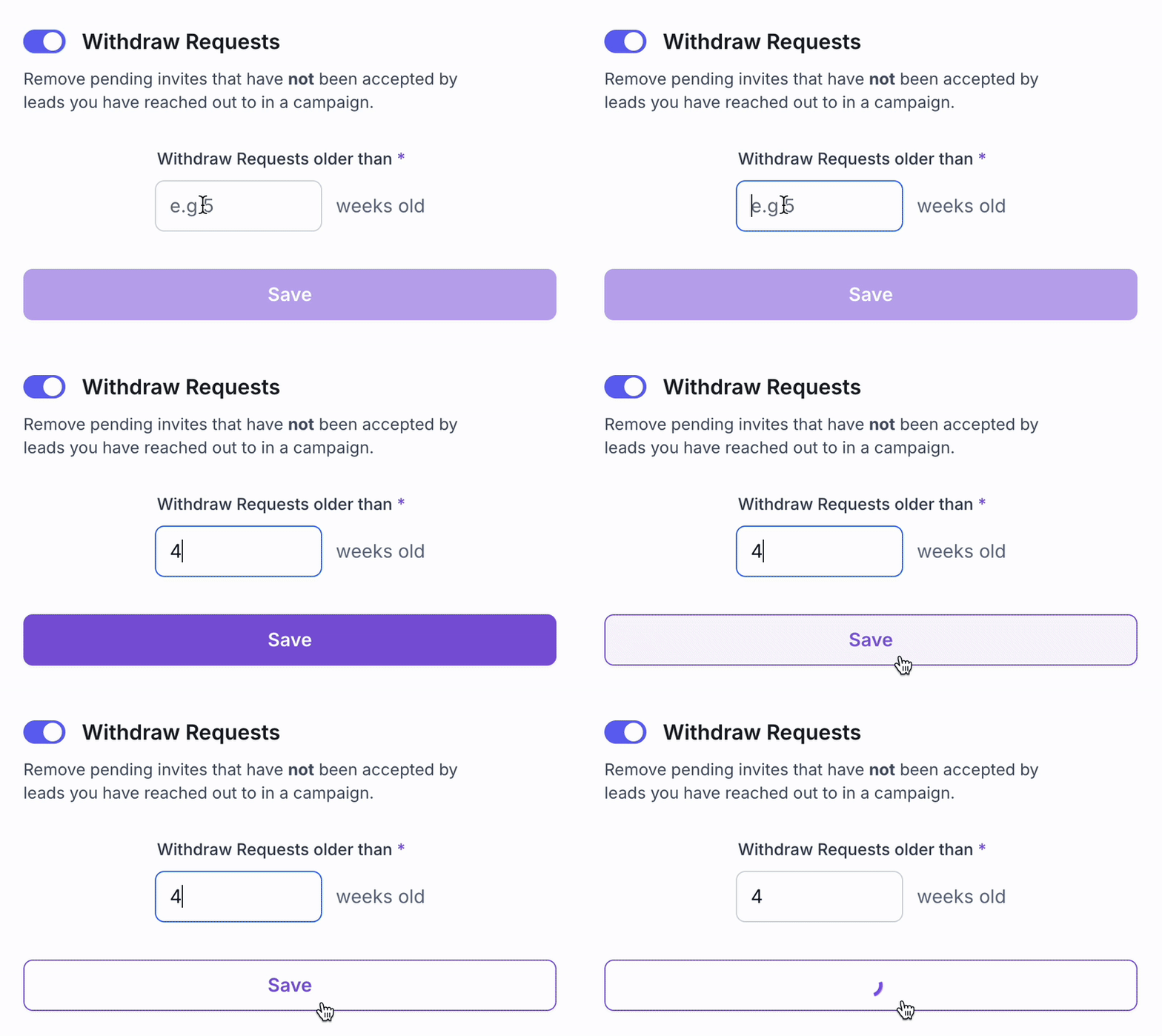
Click
Save— Pipeline will now automatically withdraw invites older than the time frame you chose.
Note: This feature will not remove existing invites retroactively. Once your withdraw schedule is set, it will apply moving forward.