How to Connect your LinkedIn Account
Last updated: March 17, 2025
Where?
In the left sidebar, click on
Accounts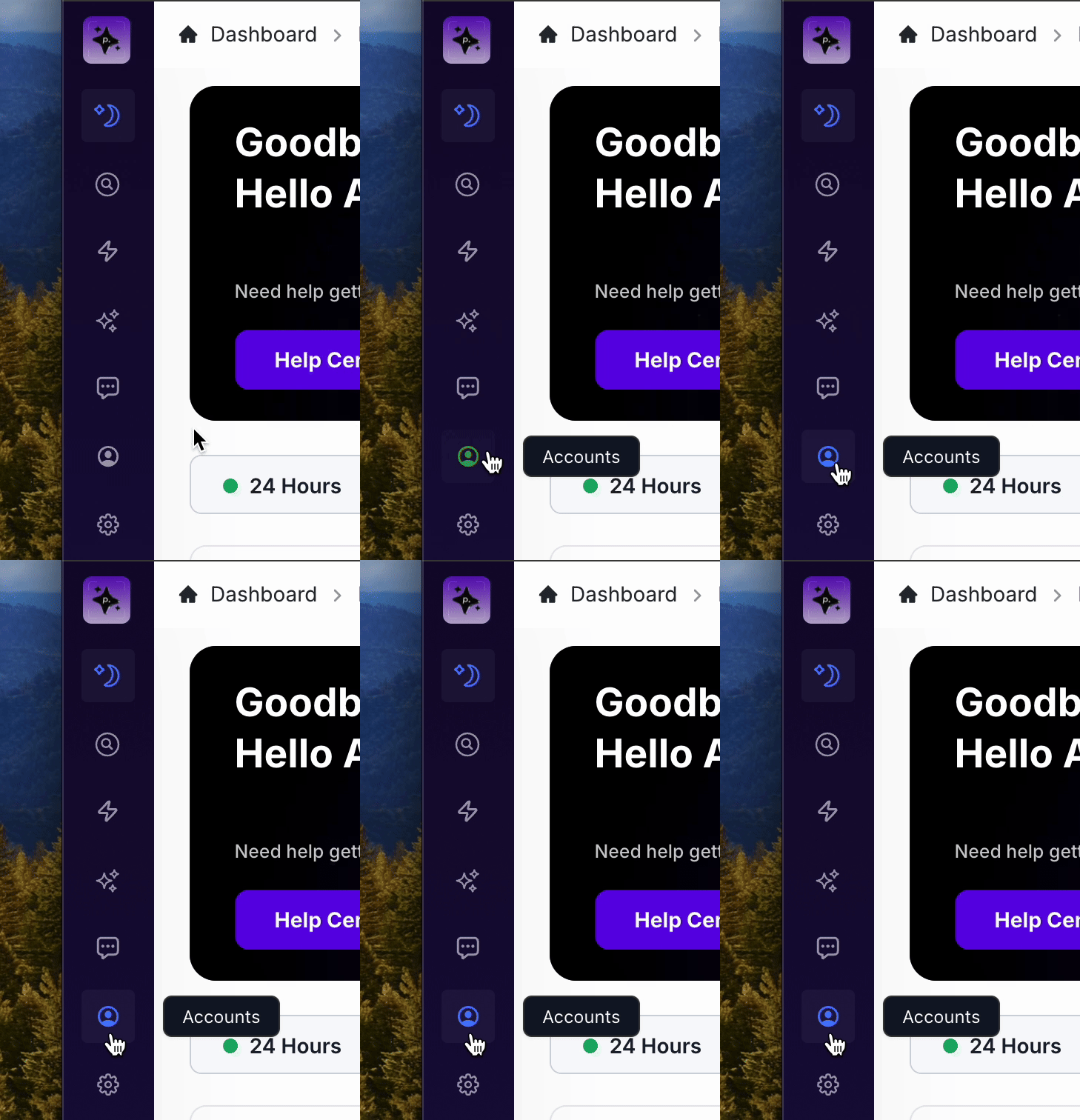
Click on
Connect Account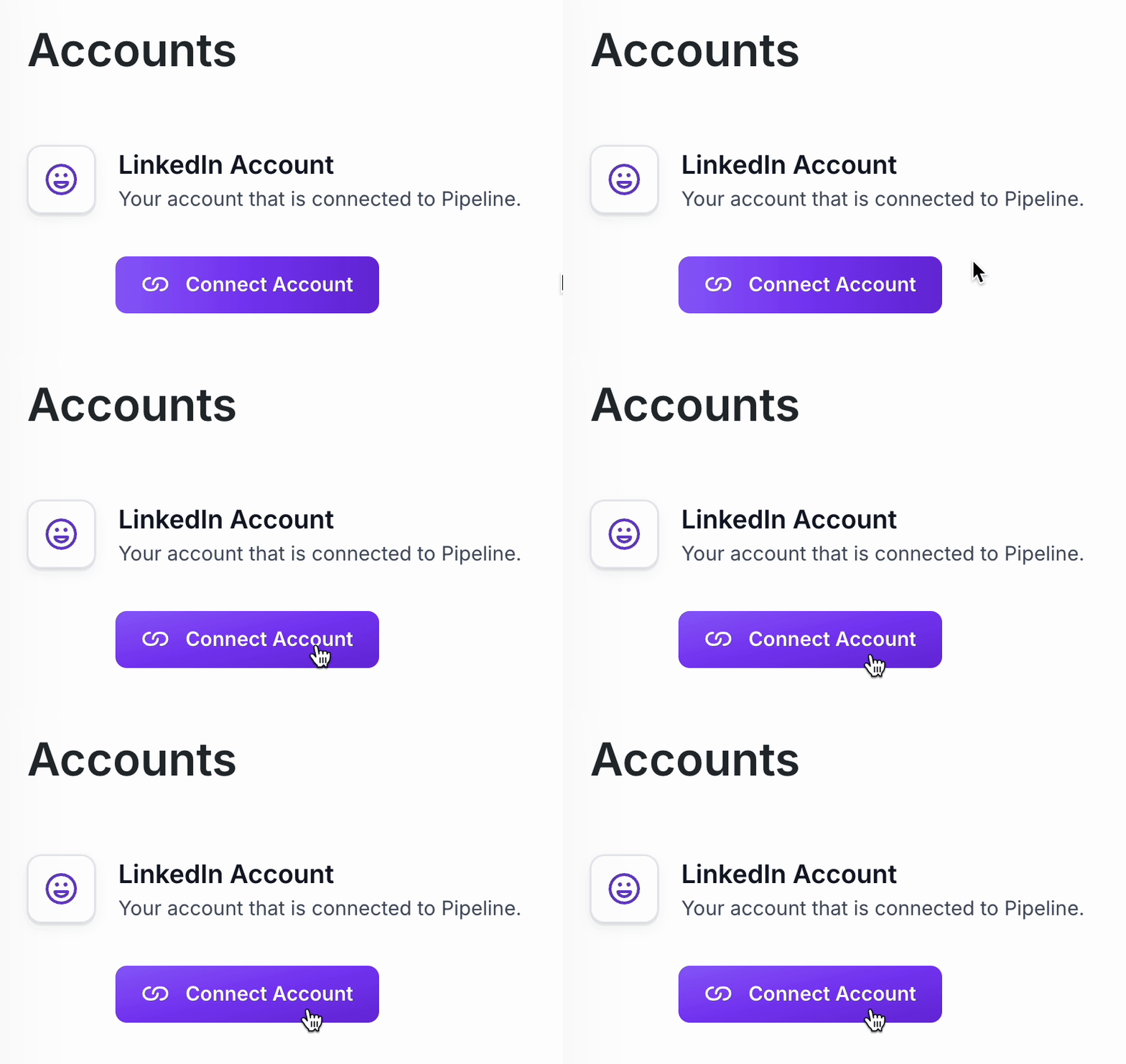
Connecting your LinkedIn Account
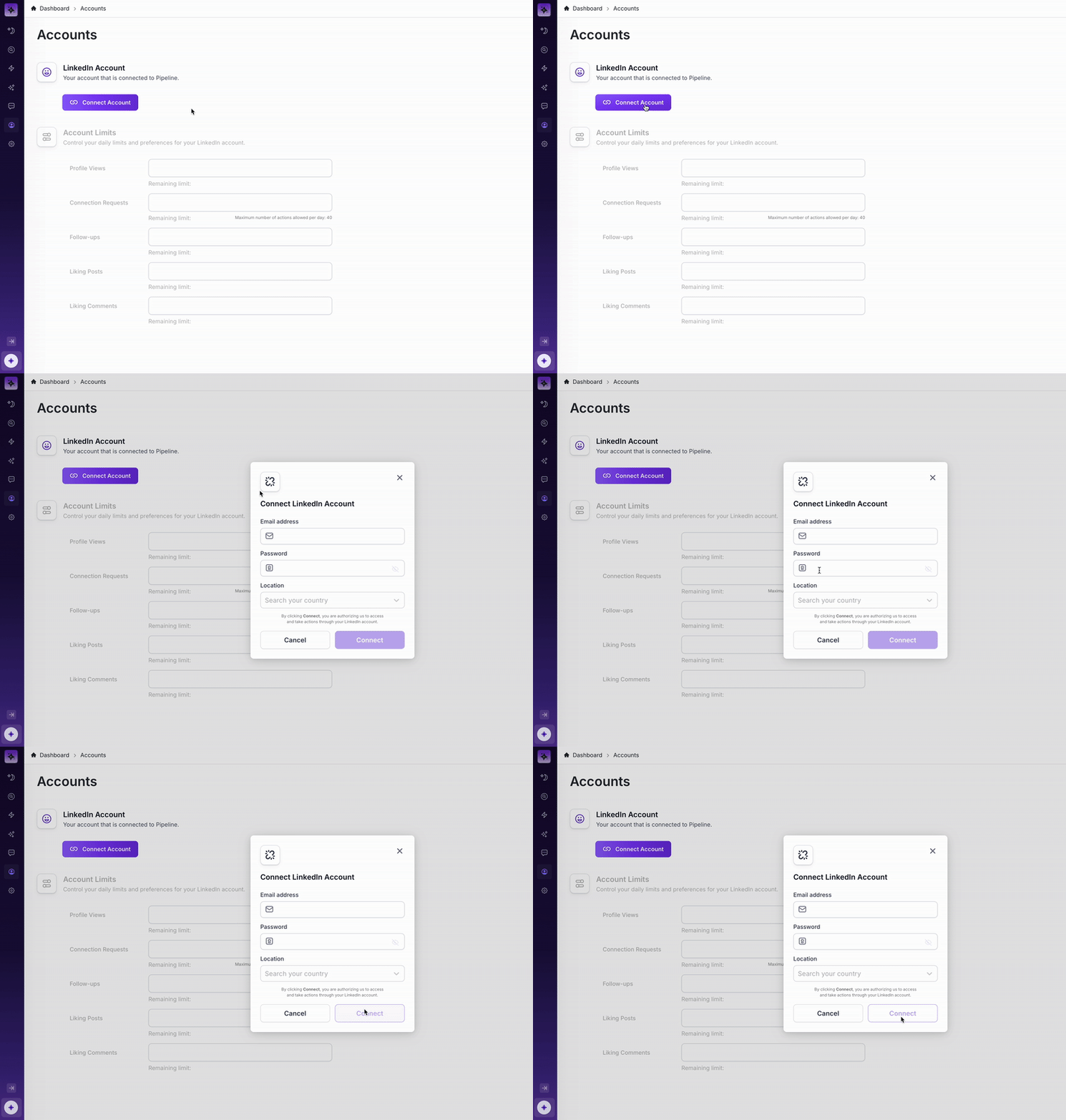
In the email field, enter the email address you use to log-in to LinkedIn
In the password field, enter the password you use to log-in to LinkedIn
In the country field, enter the country that you're located in
Click "Connect" and follow the instructions in-app to connect your LinkedIn to Pipeline
Once connected, your page will automatically refresh and your LinkedIn is connected!