Connect RB2B to Pipeline
Last updated: March 3, 2026
When connected, RB2B sends identified website visitors directly into Pipeline where they’re enriched and added to their own lead list. From there, you can launch an automated campaign that continuously enrolls new visitors as they hit your site.
No CSV exports. No manual uploads.
Just a live pipeline of high-intent visitors ready for outreach.
RB2B Pro subscription is required to use this integration.
🚀 How to Connect RB2B to Pipeline
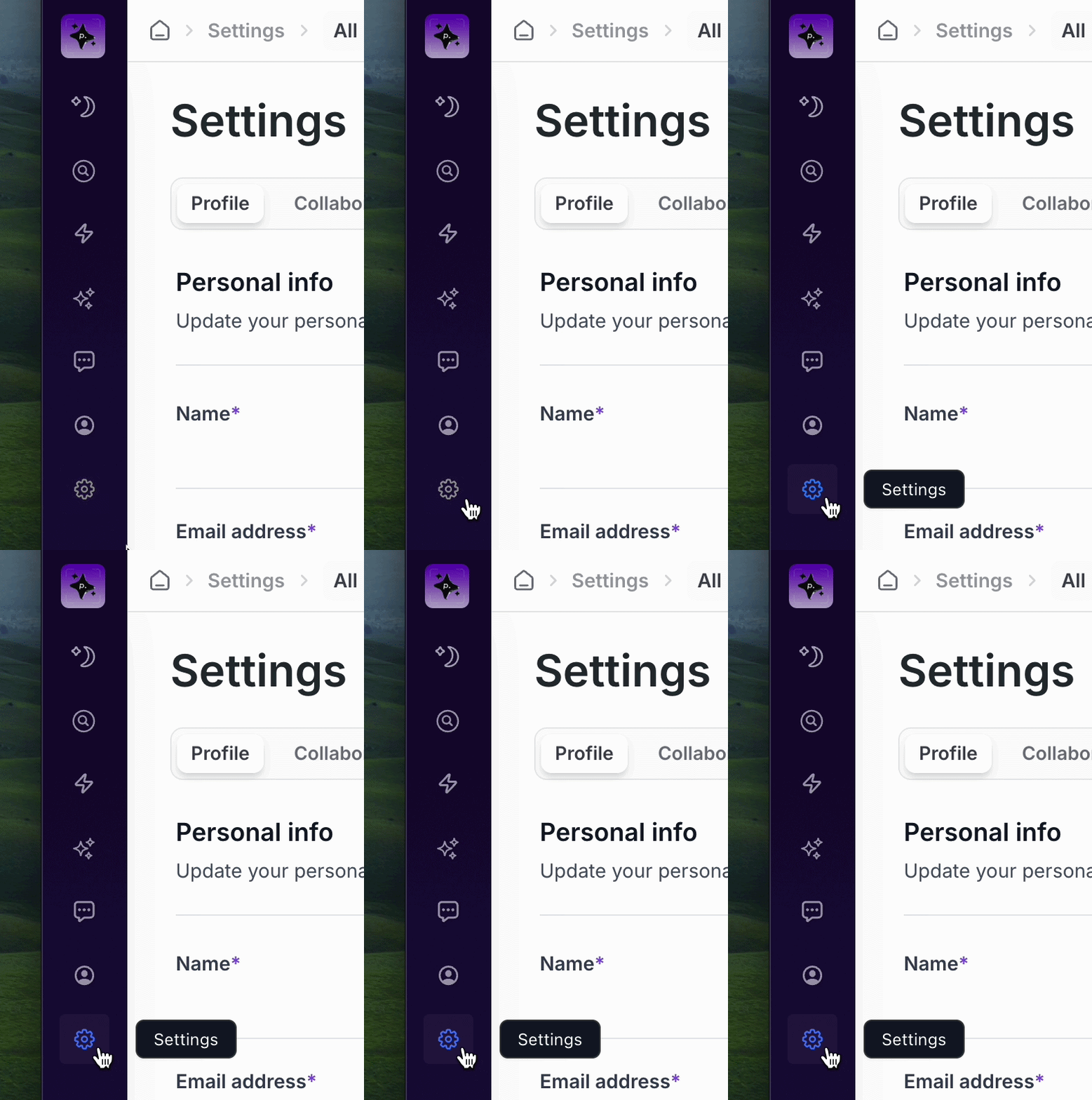
In Pipeline, click the Settings tab.
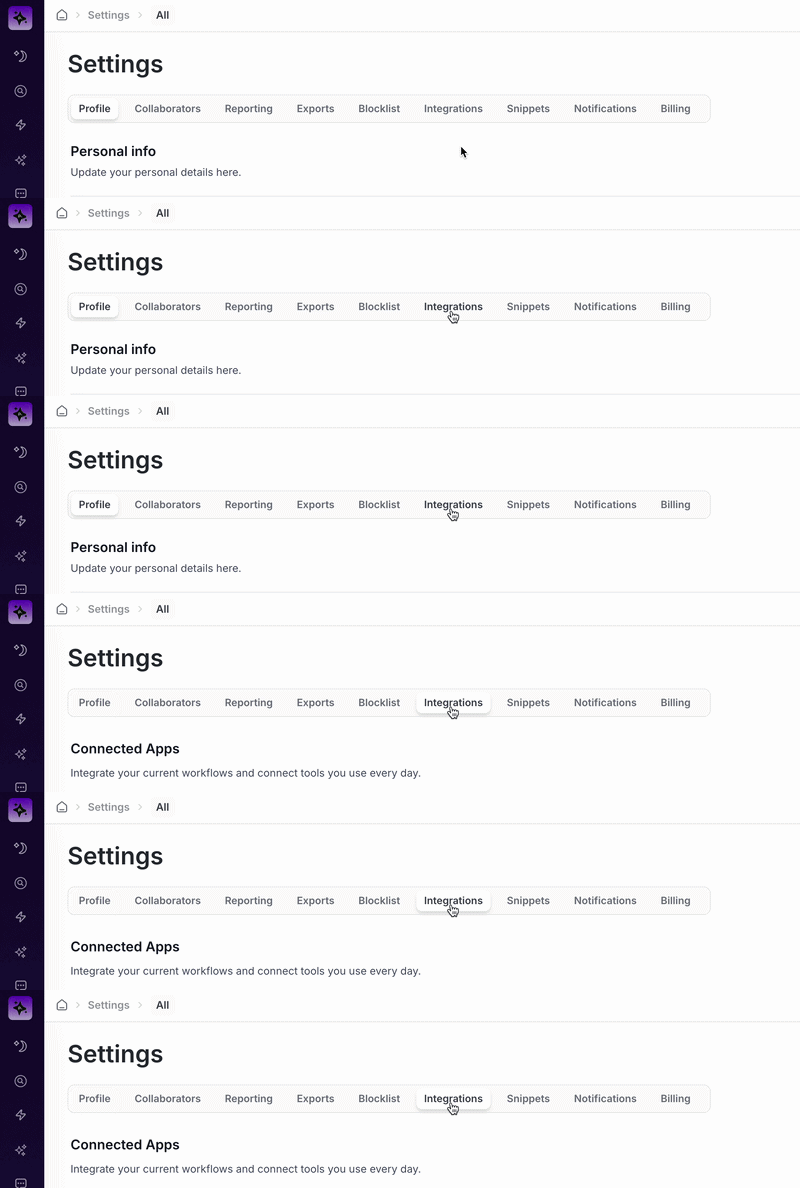
Click the Integrations tab.
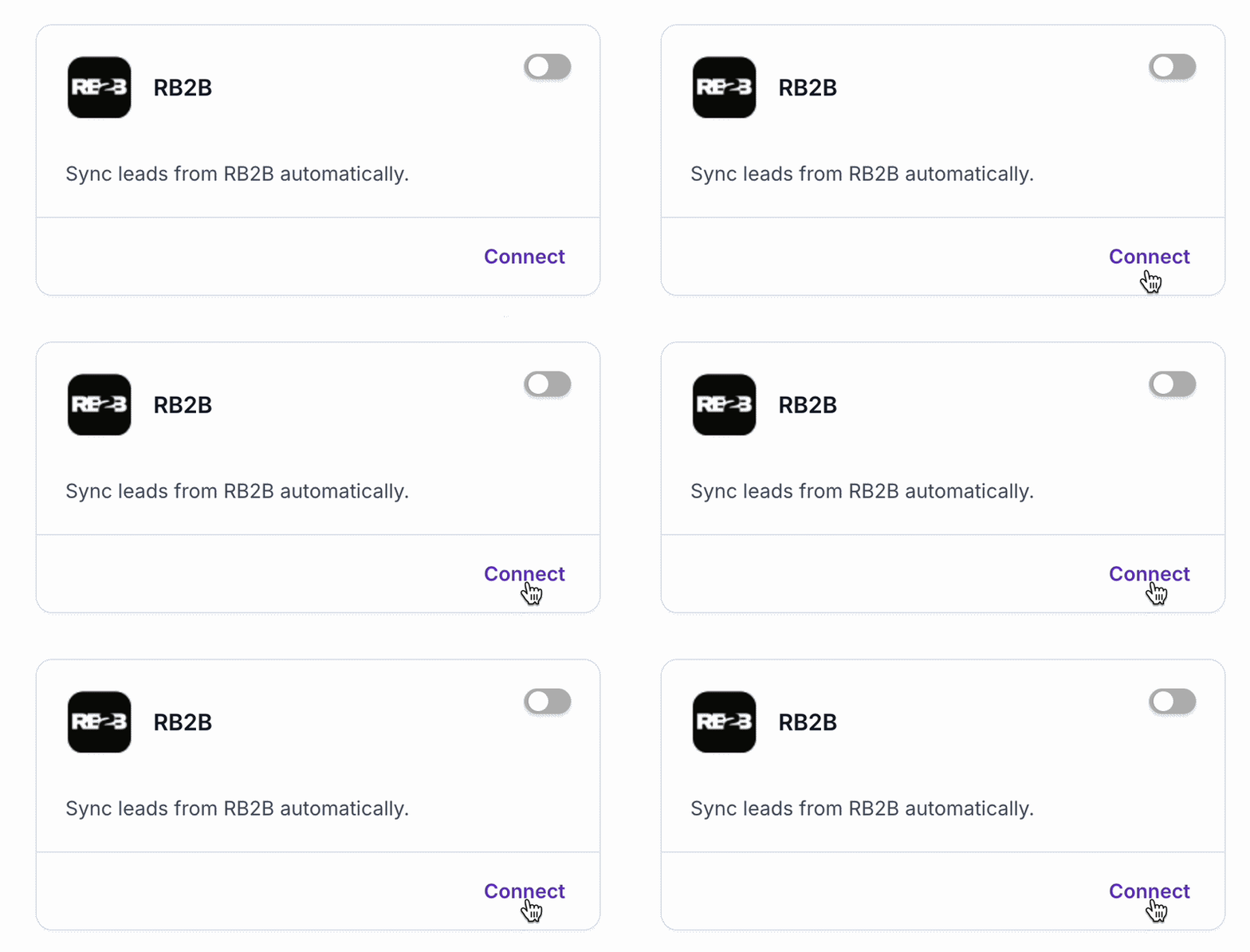
In the RB2B integration tile, click Connect.
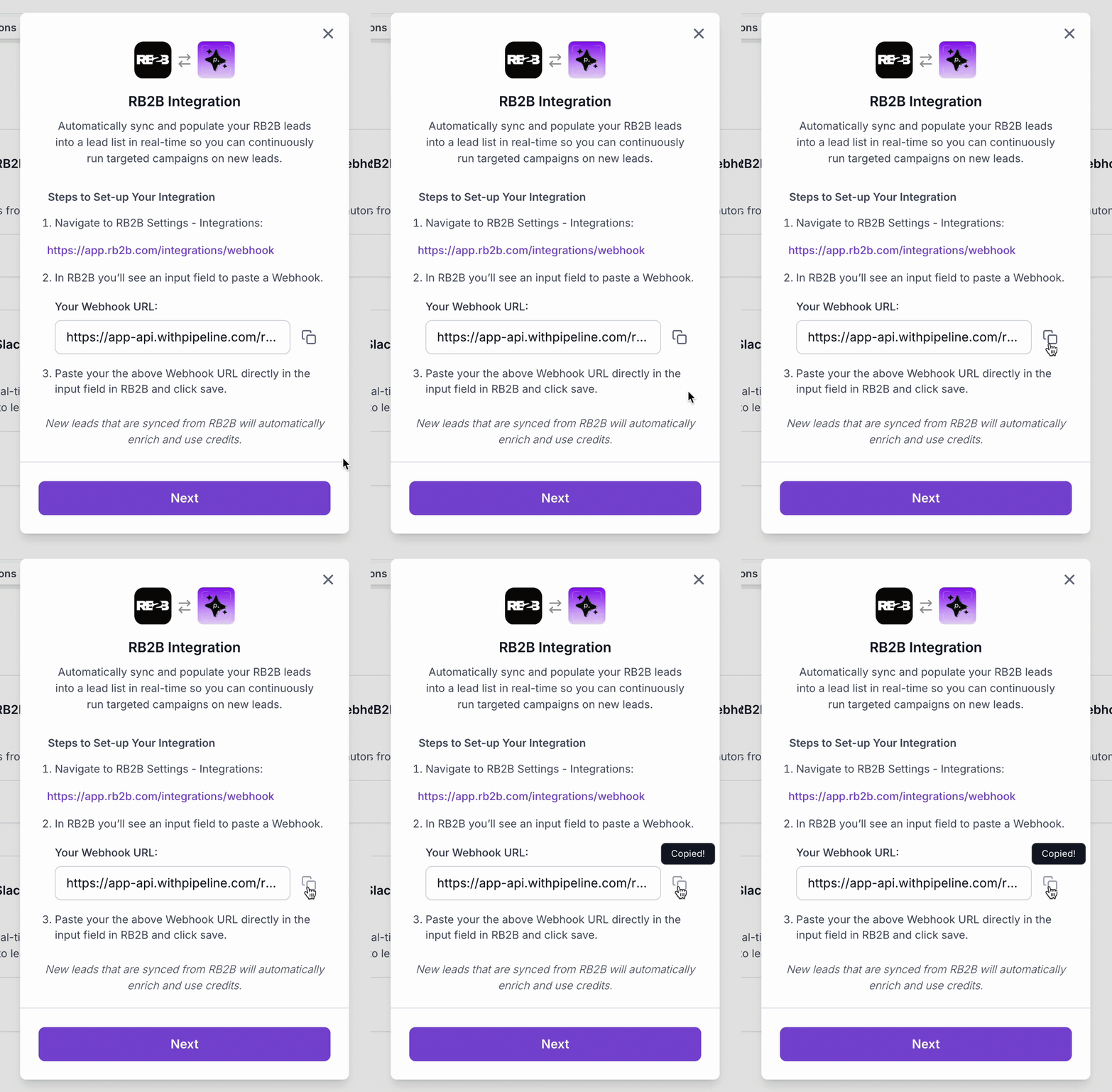
Copy the RB2B Pipeline Webhook URL provided and click Next.
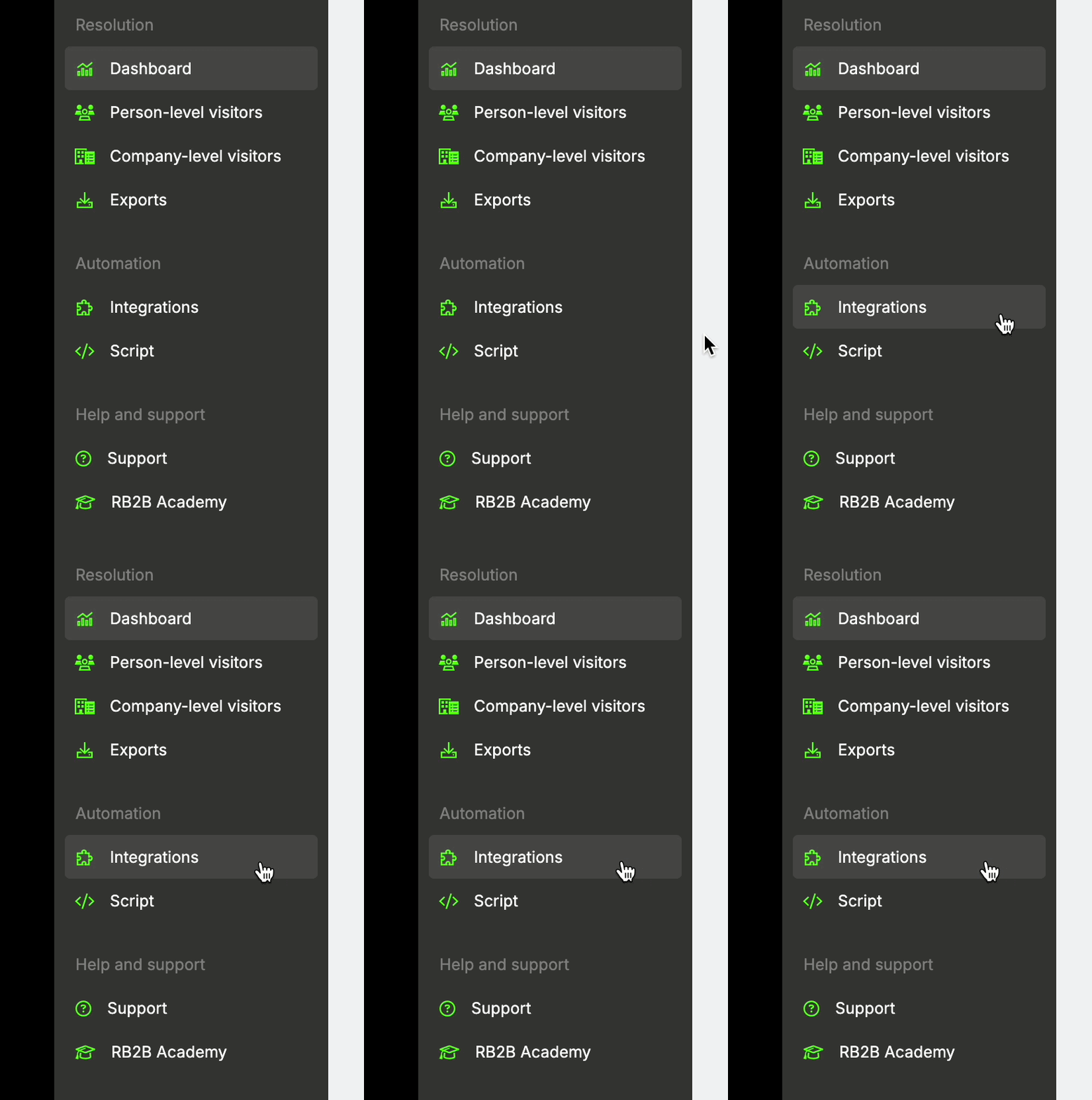
Now log in to your RB2B account and navigate to the Integrations tab.
Find and click into the Webhooks integration tile - or go directly to:
https://app.rb2b.com/integrations/webhook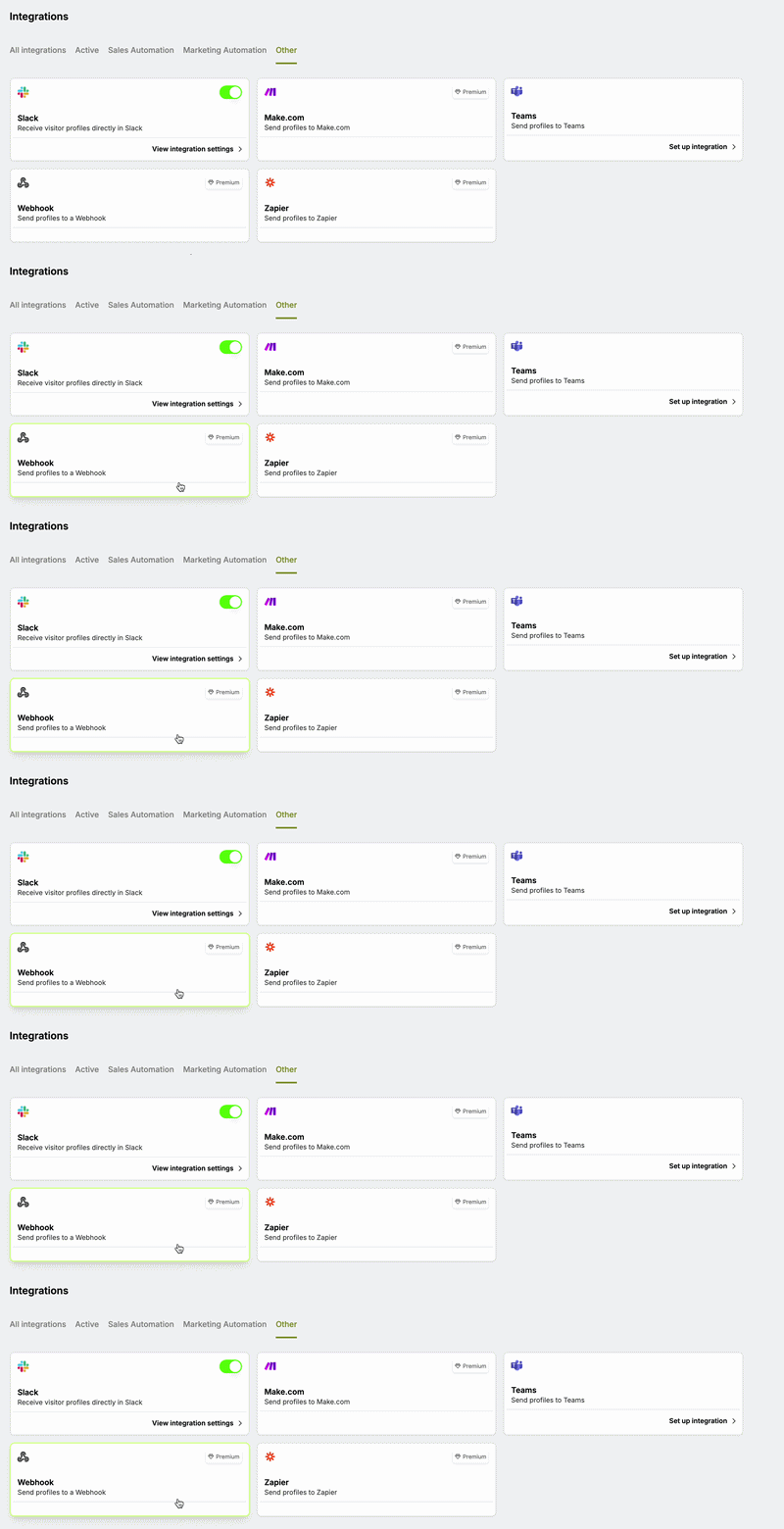
Turn the Status toggle ON so it shows green and says “This integration is enabled.”
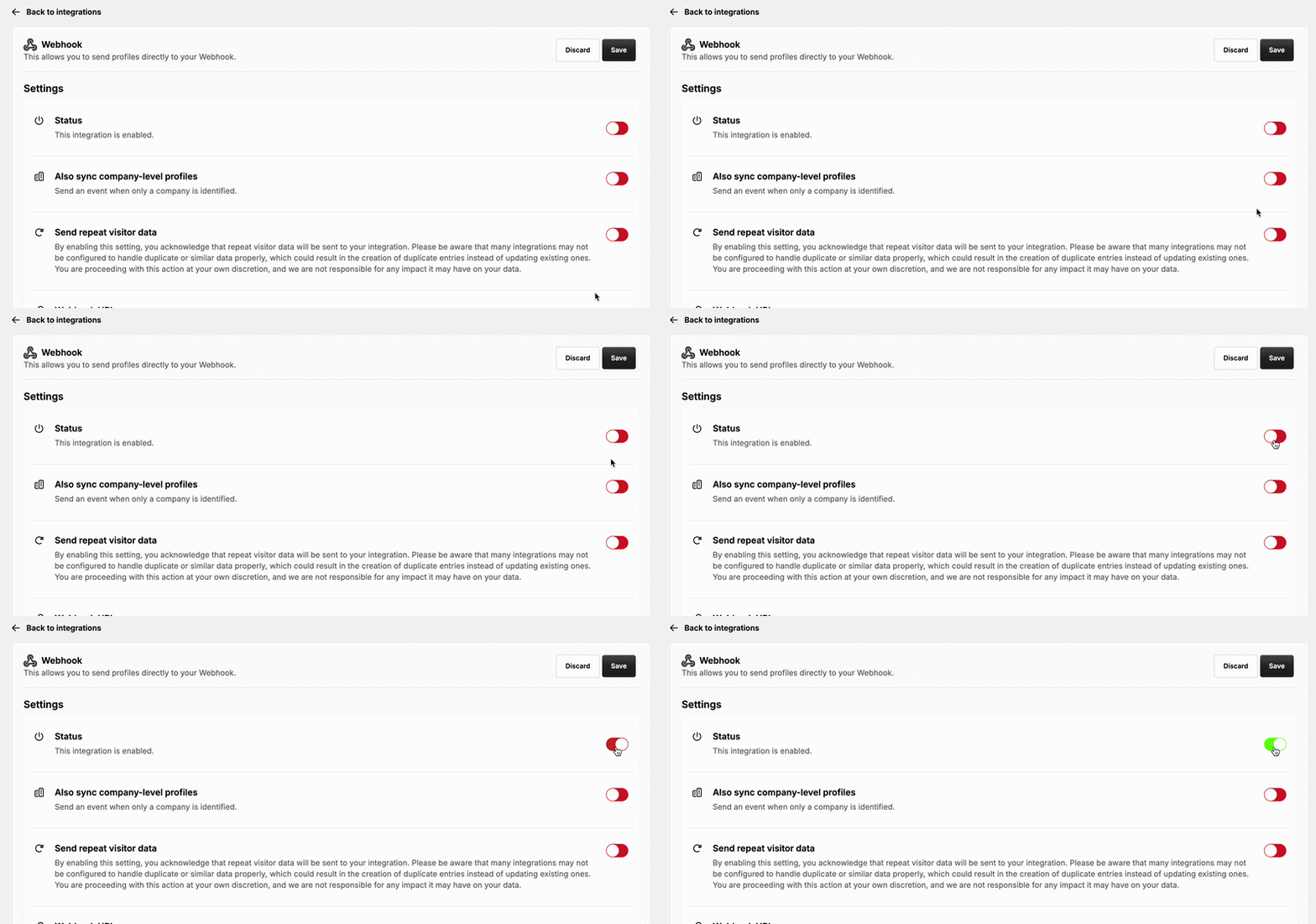
Turn Send repeat visitor data OFF to prevent duplicate leads in Pipeline.
In the Webhook URL field (“Please provide your Webhook URL”), paste the Pipeline URL you copied earlier.
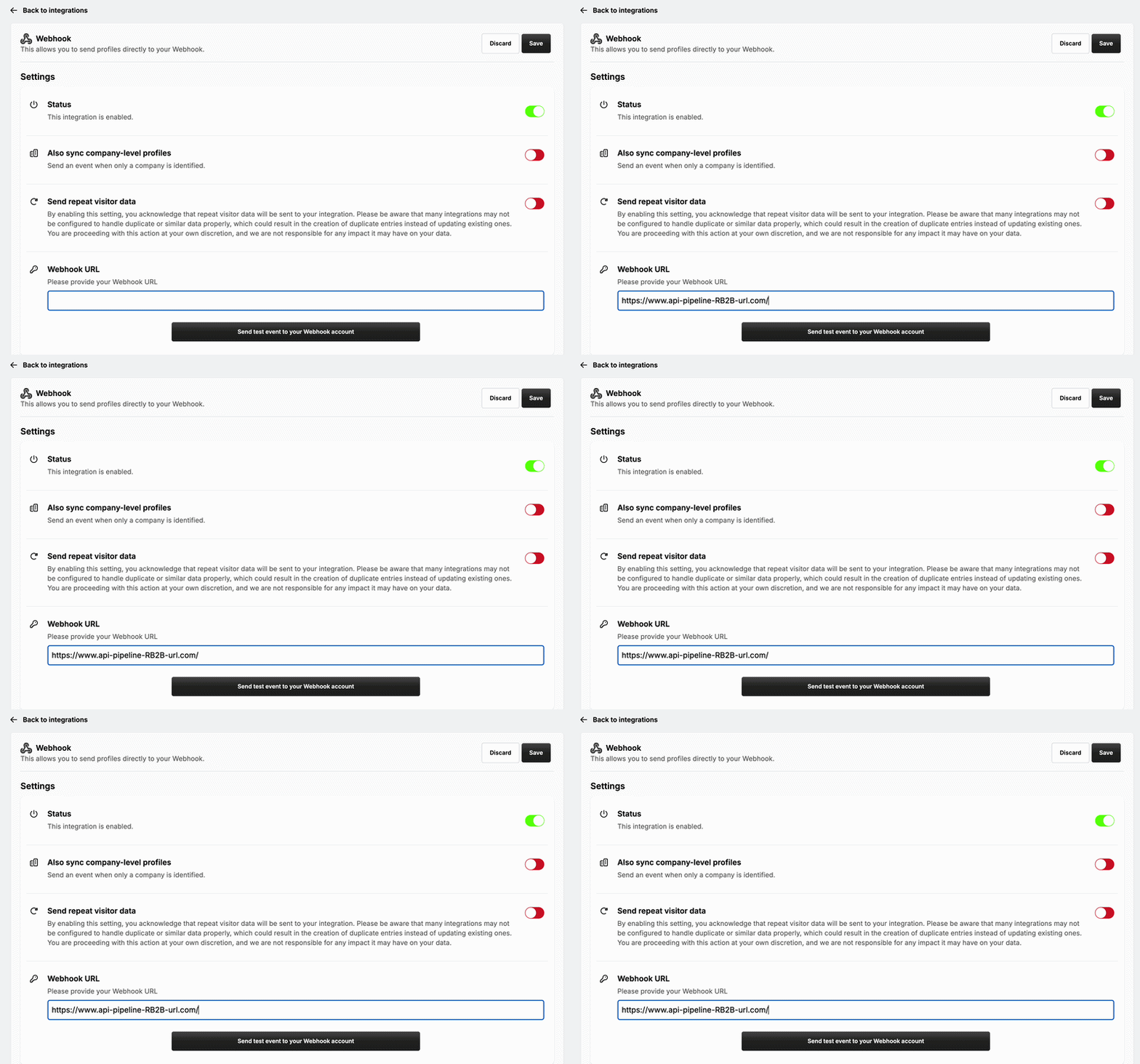
Click Save.

🎉 Your Pipeline RB2B integration has been created!
⚙ What Happens Next
RB2B will now send all identified website visitors directly to Pipeline.
Pipeline will:
Enrich each visitor
Add them to a dedicated RB2B lead list
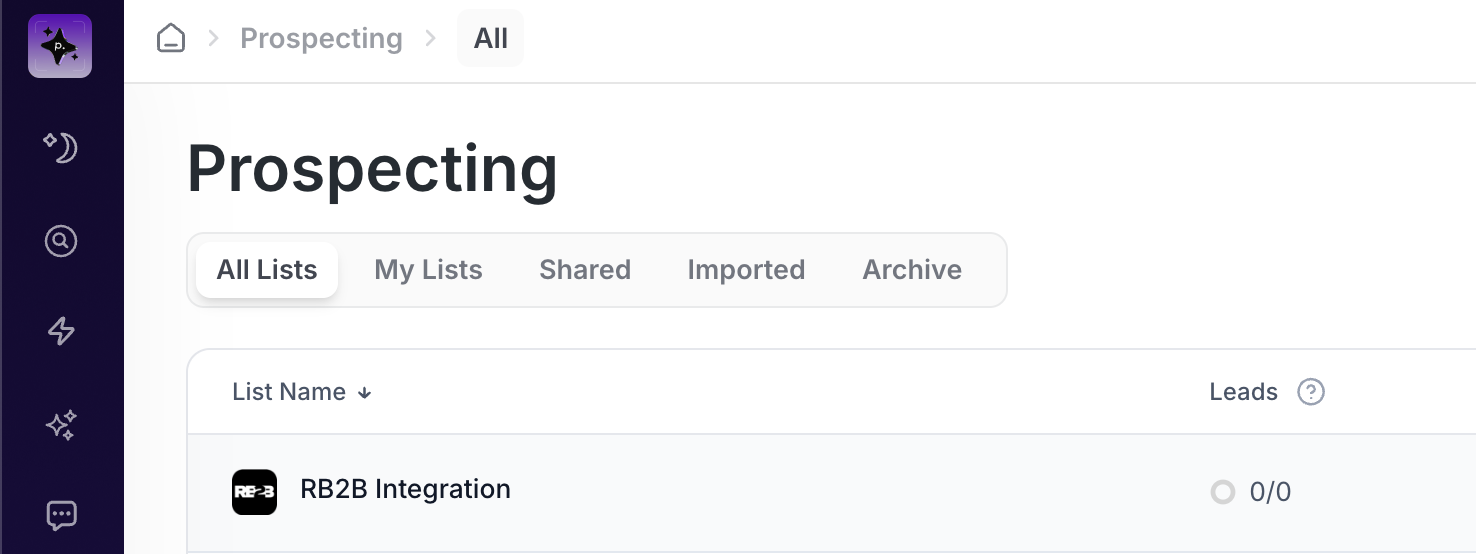
You can now create a campaign on that list to automatically reach out to website visitors.
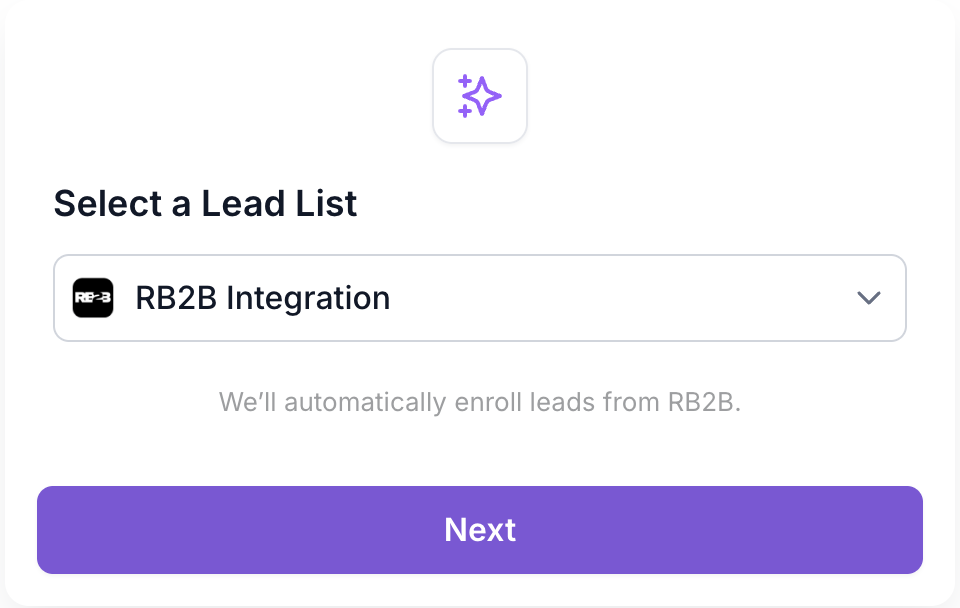
As new visitors hit your website, they will automatically populate the list and enroll into your campaign (if active). Your website traffic is now a fully automated outbound engine!
❌ How to Disconnect RB2B from Pipeline
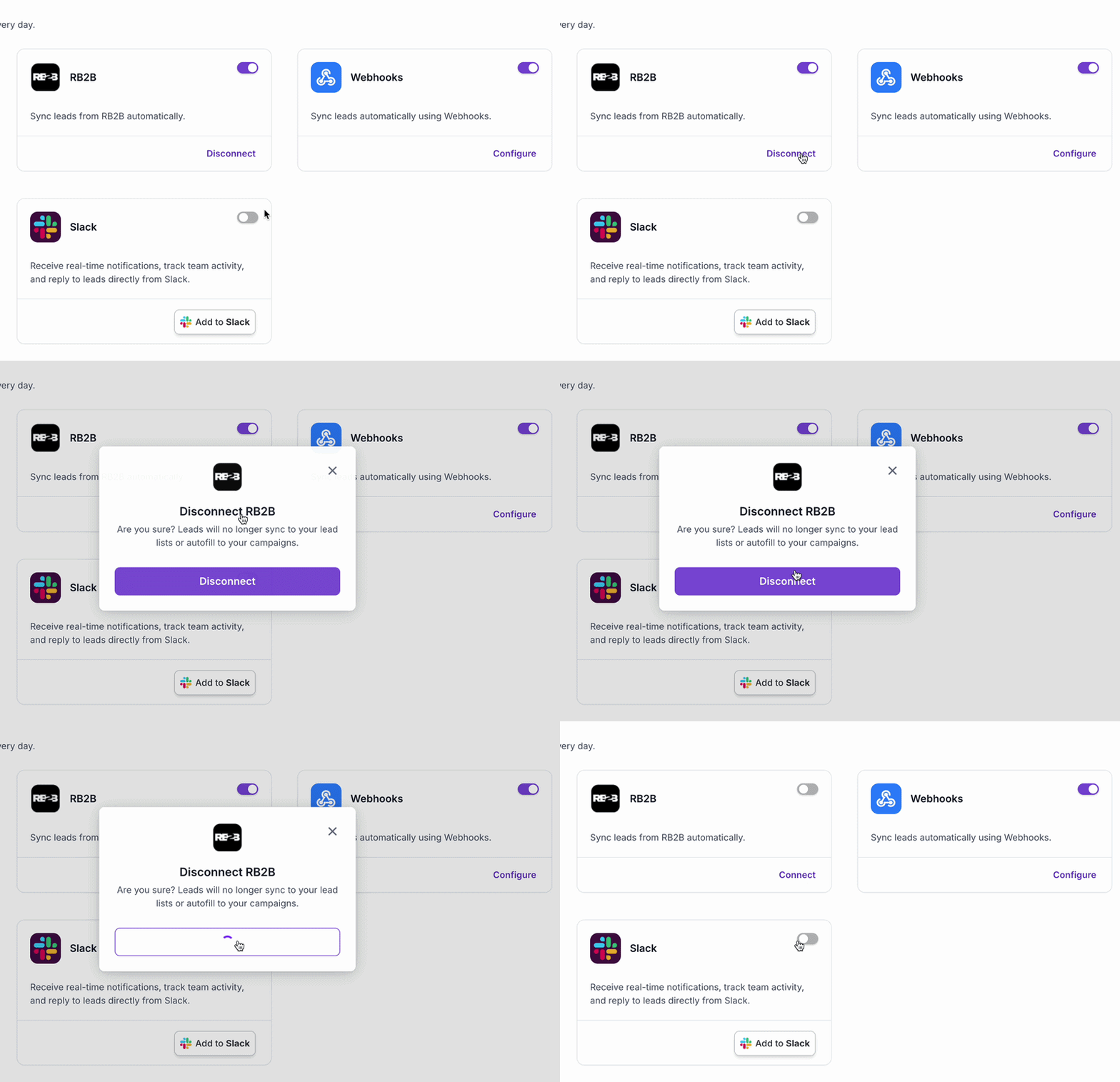
To disconnect RB2B from Pipeline, return to the RB2B integration tile in your Settings tab and click Disconnect to remove it.