Connect Slack to Pipeline
Last updated: March 3, 2026
💬 Why Connect Slack?
Your campaigns don’t stop - and now you don’t have to constantly check the dashboard to keep up.
With Slack integration, Pipeline pushes real-time updates directly to where your team already works. The moment someone replies, accepts your connection request, finishes enriching, or if a campaign hits an error - you’ll know instantly.
That means:
Faster follow-ups
No missed replies
Immediate visibility into performance
Proactive issue handling
You can even reply to leads directly from Slack, and Pipeline syncs everything automatically. It turns Slack into a live command center for your outbound — so your team stays responsive, efficient, and ahead of every opportunity.
🚀 How to Connect Your Slack to Pipeline
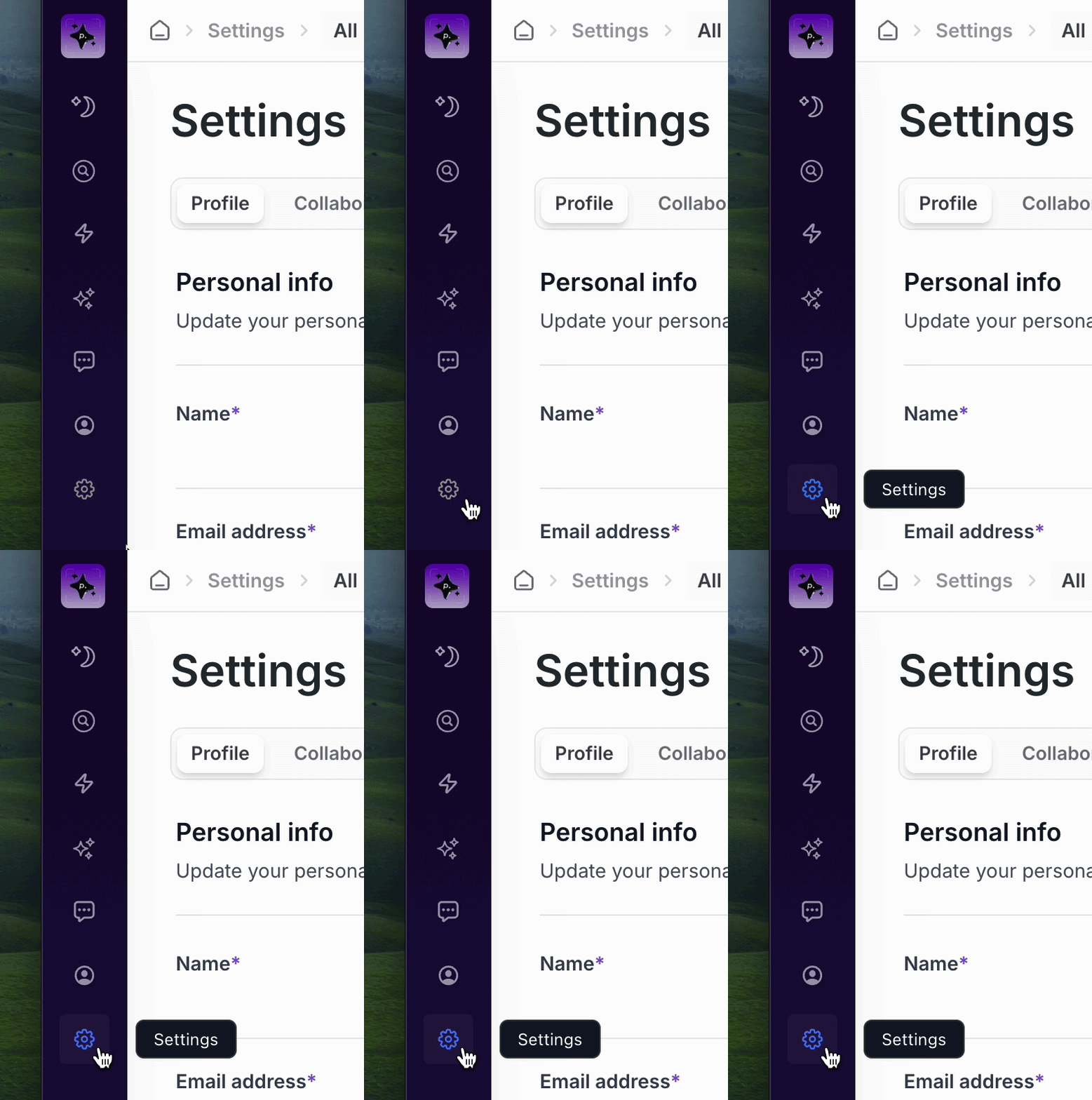
Click the Settings tab in Pipeline.
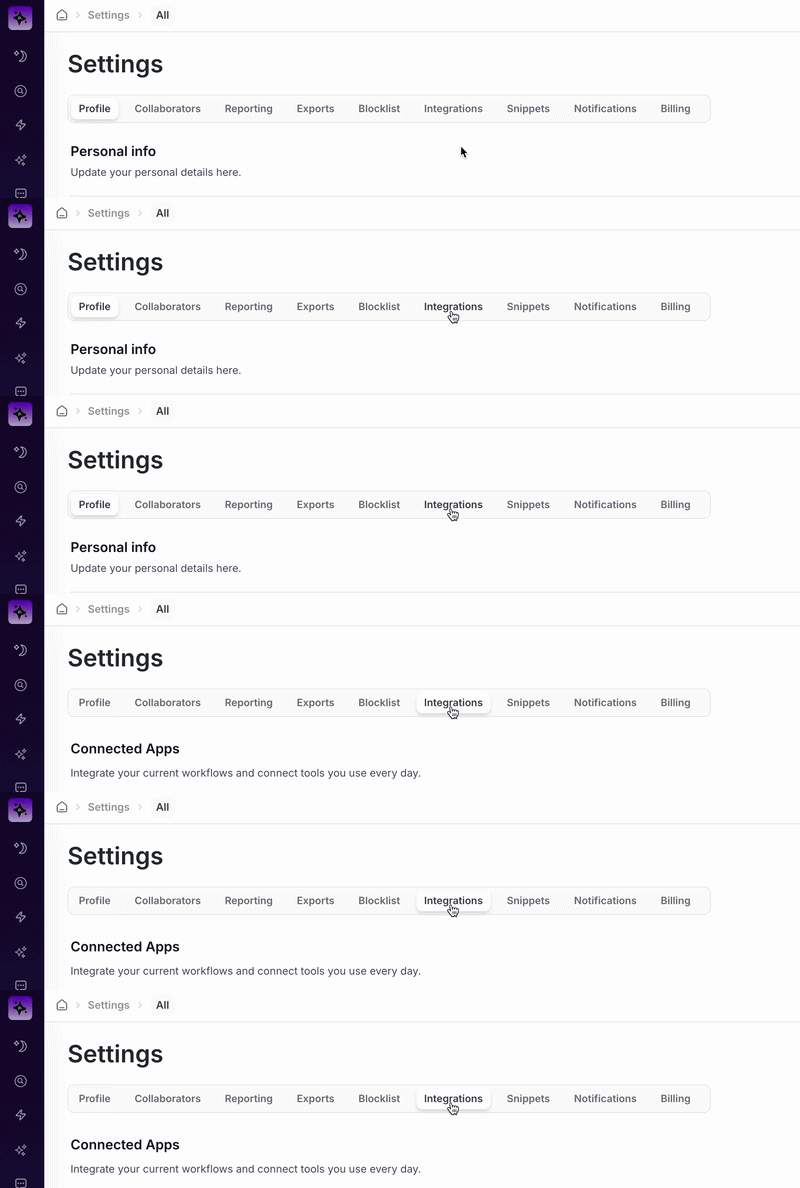
Click the Integrations tab.
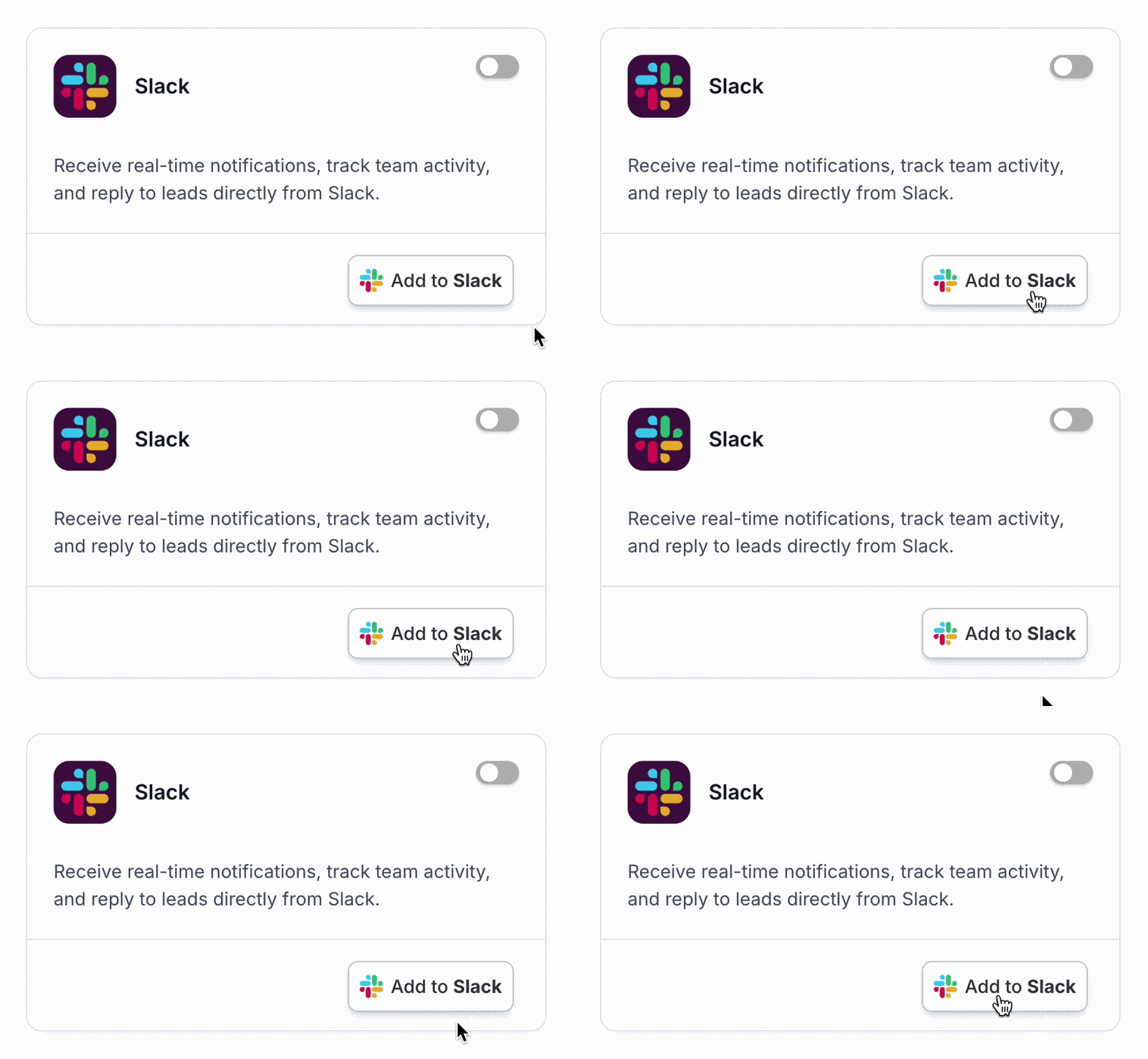
In the Slack integration tile, click Add to Slack.
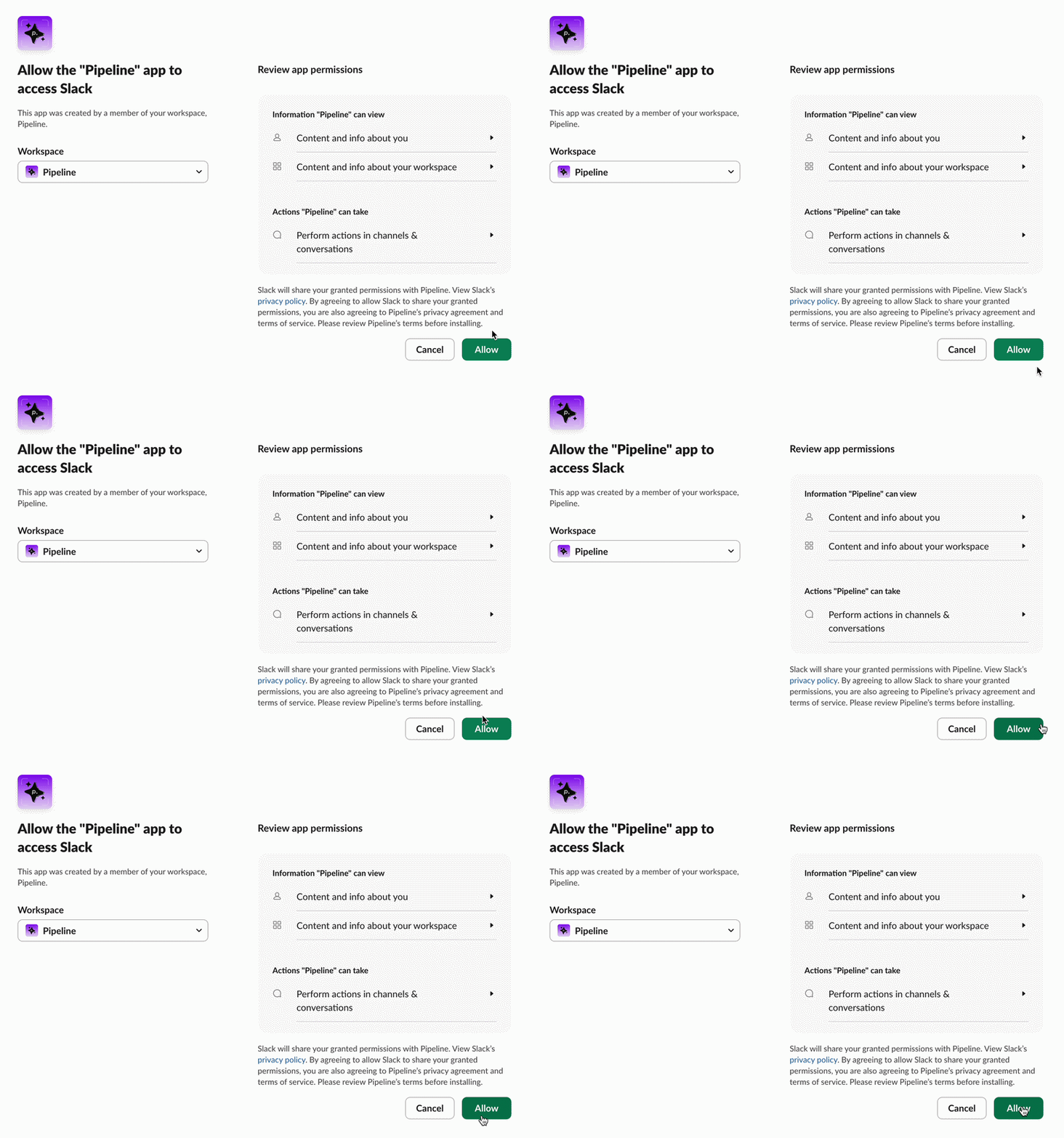
When Slack opens, click Allow to grant Pipeline access to your Slack workspace.
Map each user in your Pipeline workspace to their corresponding Slack account so everyone can receive their own notifications.
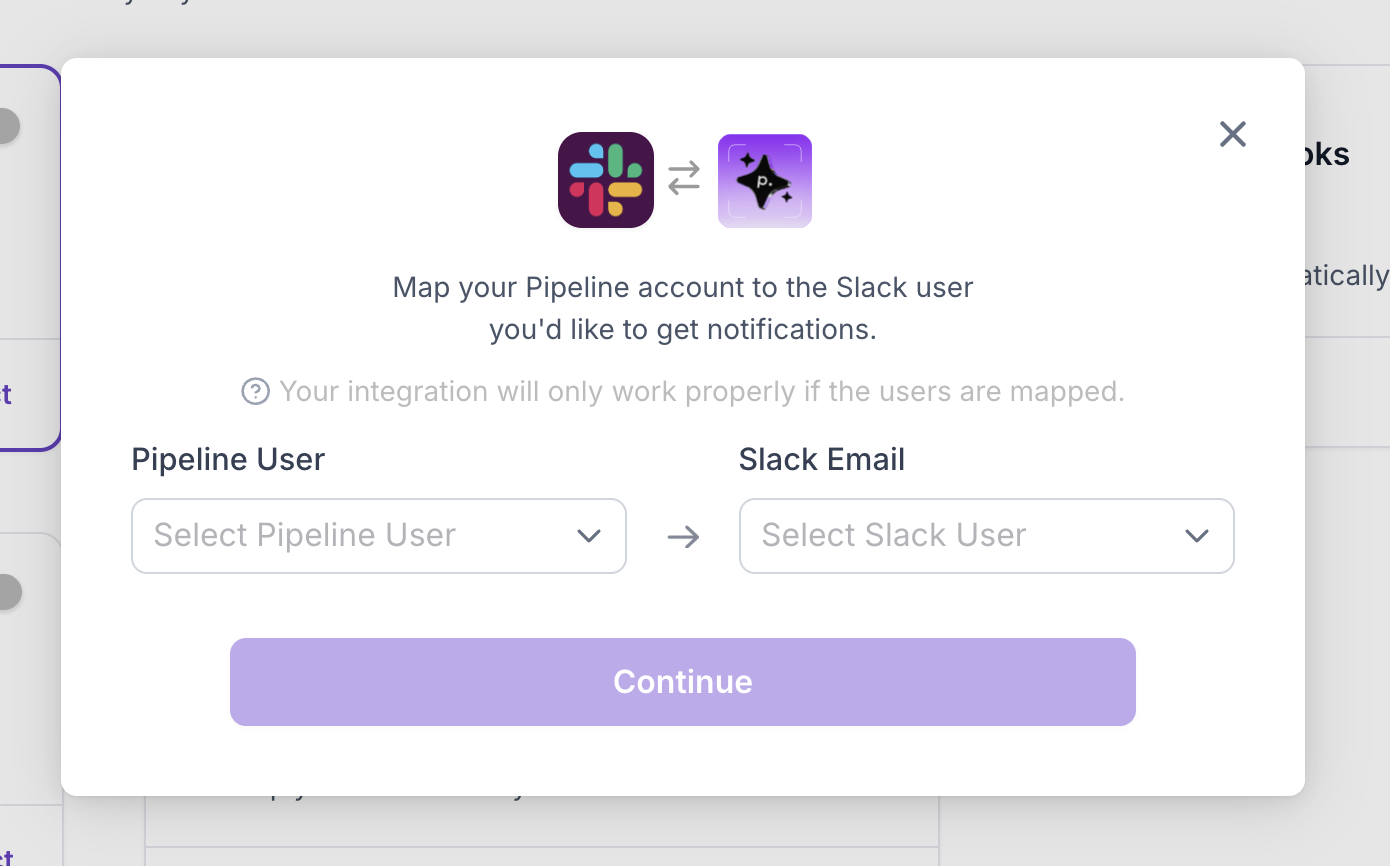
Click Continue once mapping is complete. You can edit mappings at any time.
Toggle on the notifications you’d like to receive:
New Accepted Connections
New Replies
Weekly Report
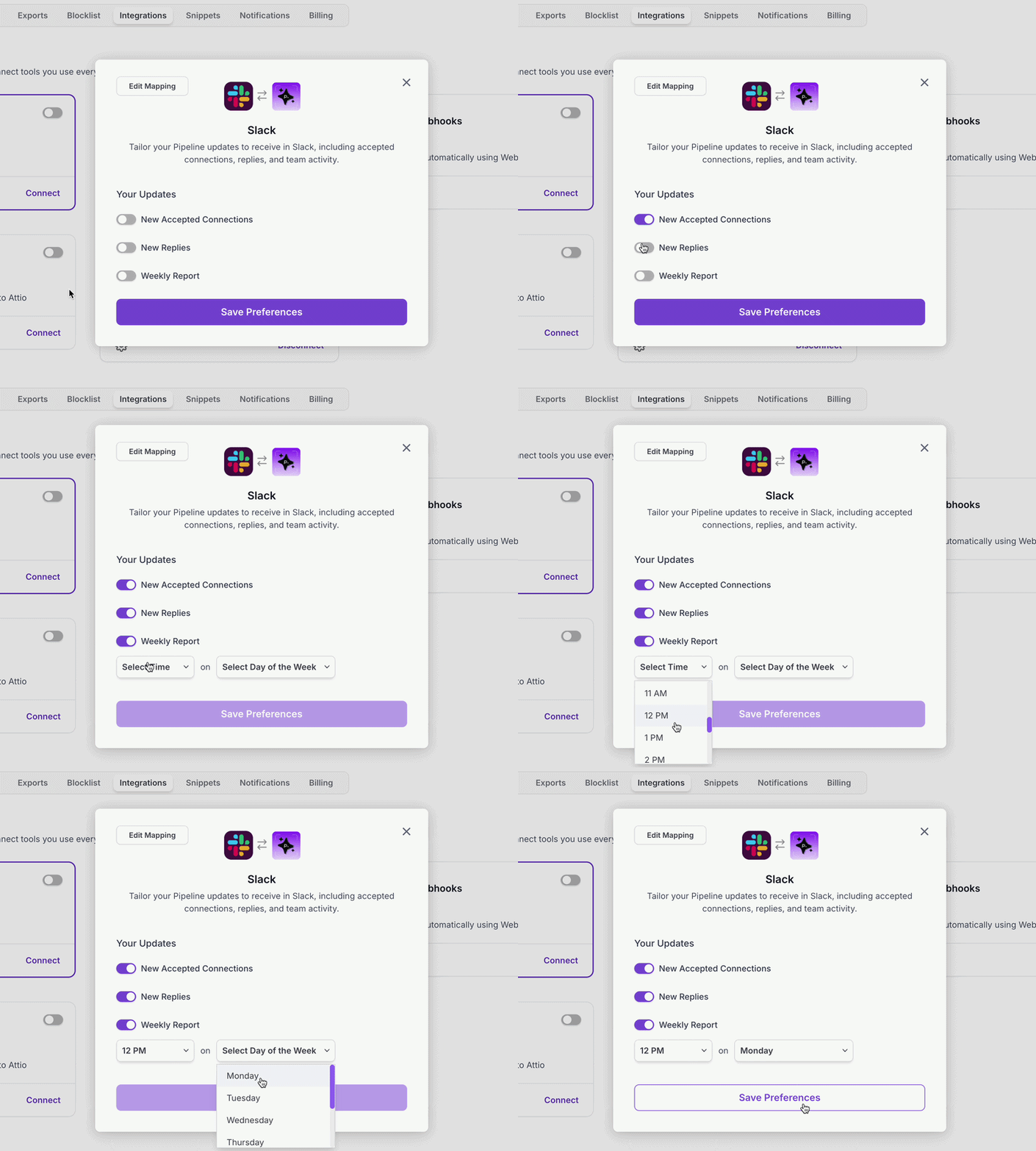
If you enable Weekly Report, select the date and time you’d like to receive your summary.
Click Save Preferences.
⚙ How to Edit Mapping & Notification Preferences
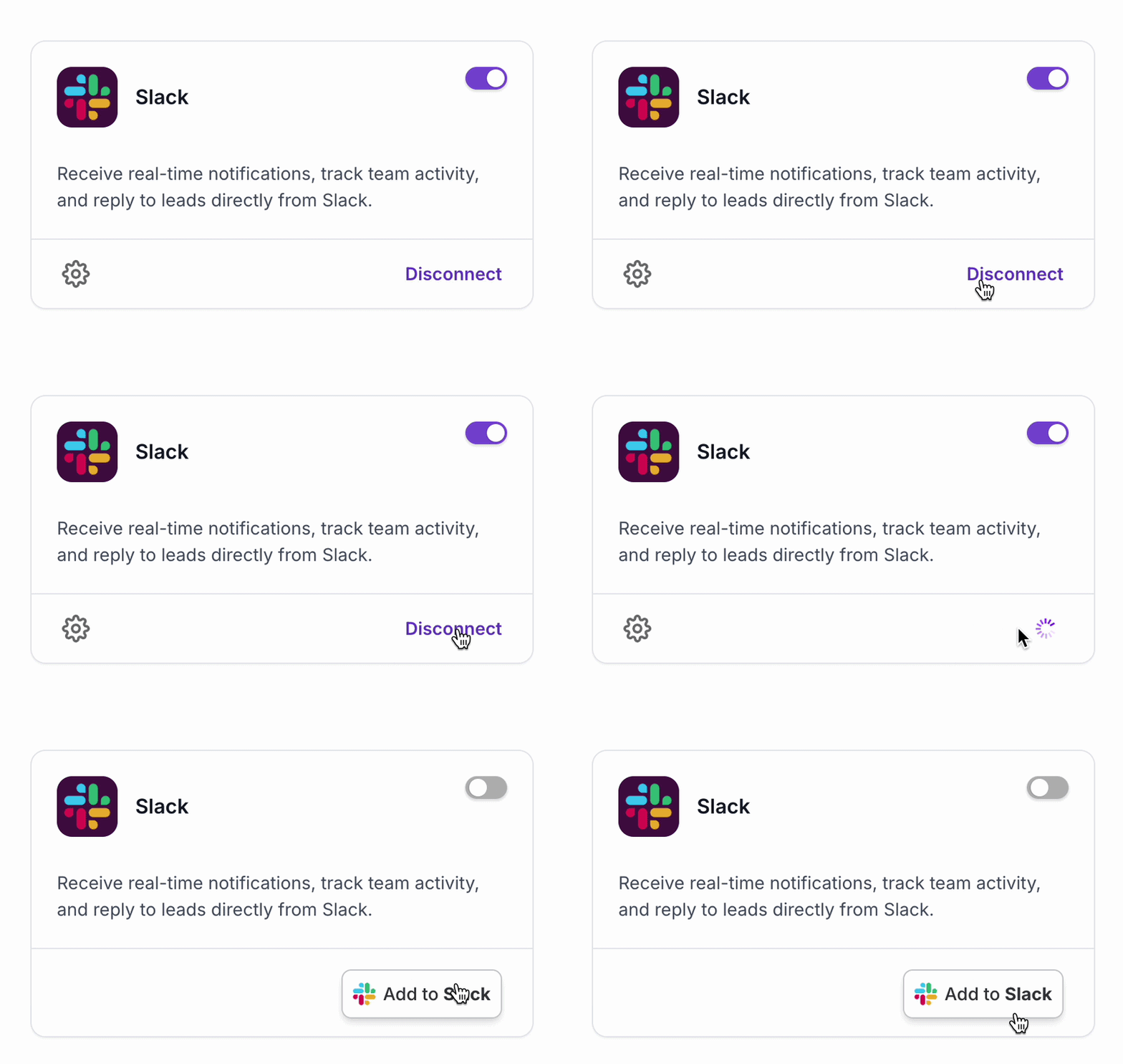
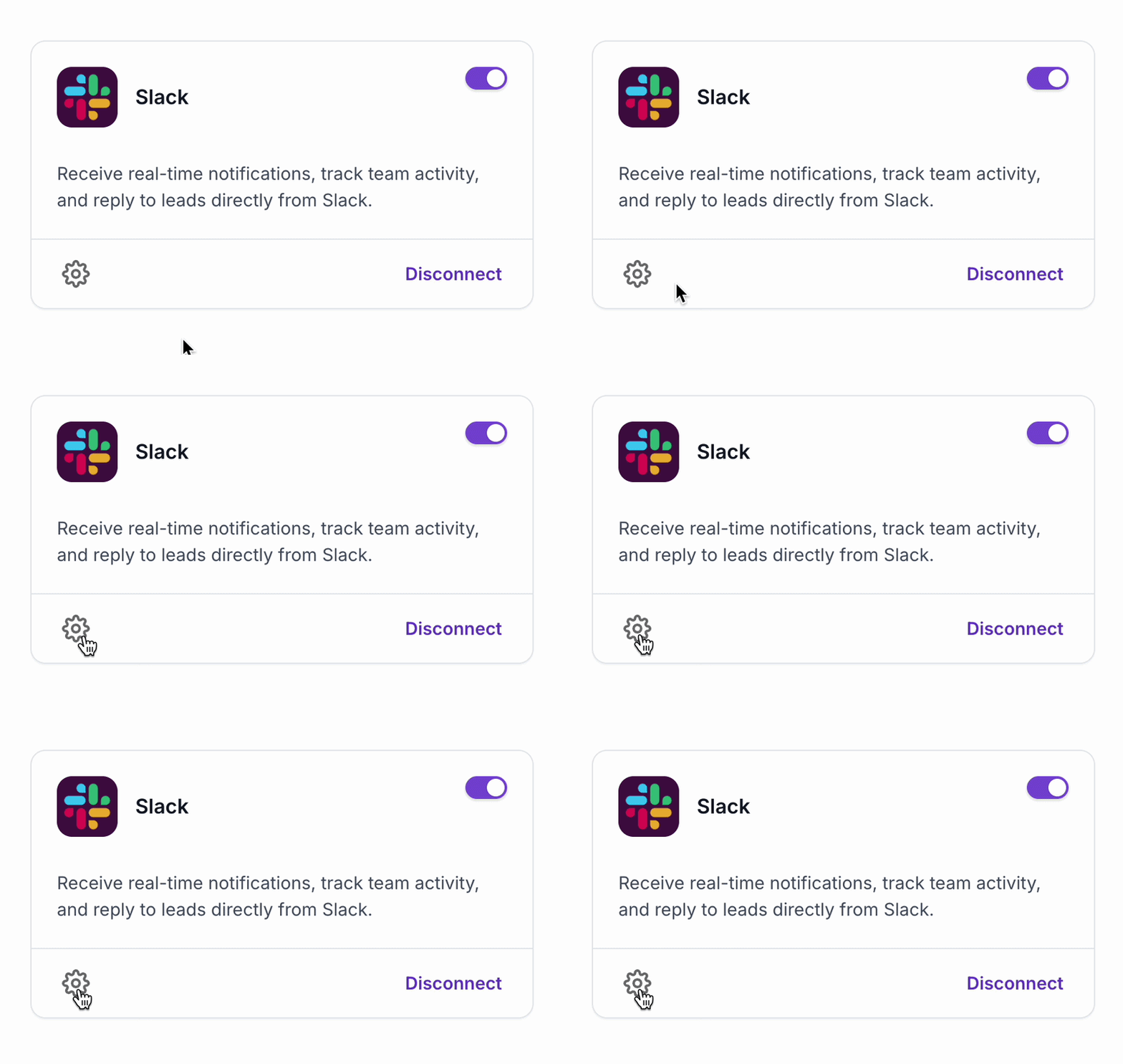
At any time, click the settings wheel icon in the Slack tile to update user mappings or notification preferences.
❌ How to Disconnect Slack from Pipeline
To fully remove the integration, click Disconnect in the Slack tile.
This will immediately stop all Slack notifications.